
Open-source 2D skeletal animation
Rig it like Spine, make it interactive like Rive, play it in every engine, and let an AI agent animate it for you.
Editor for Windows, macOS, Linux and the web · runtimes for 19 engines · every edit is an MCP tool
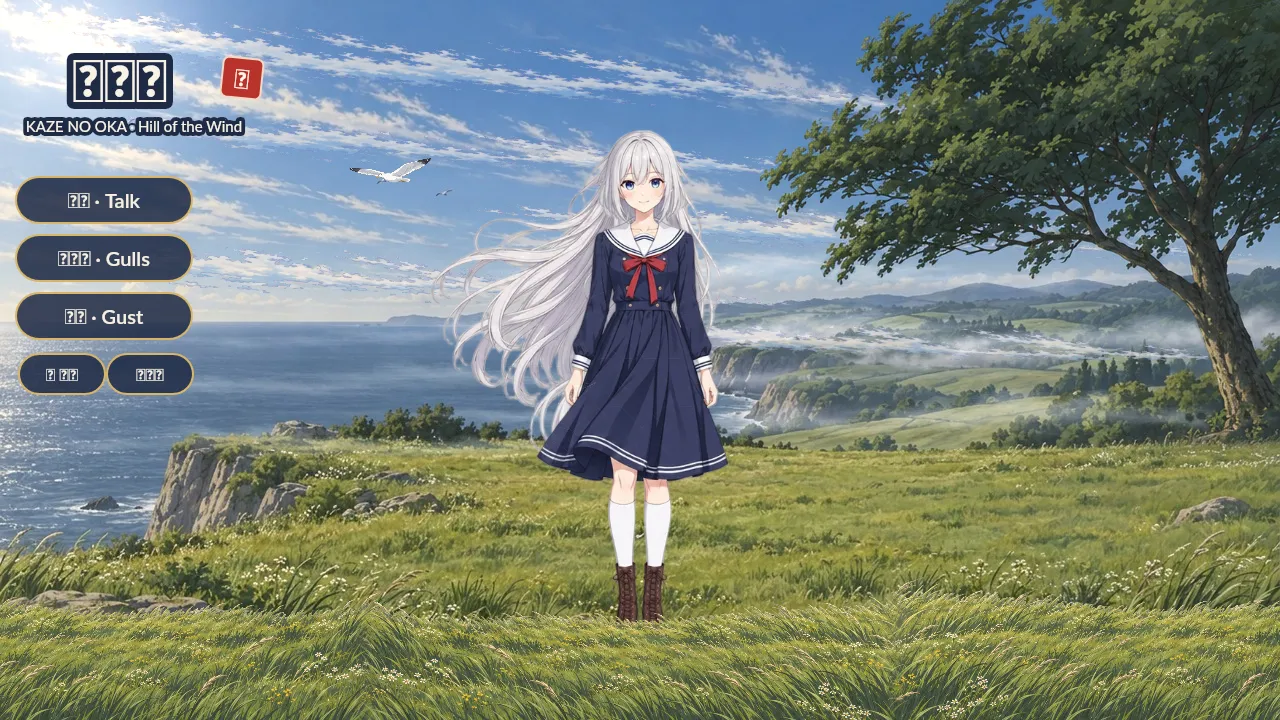
This is not a video. It is Windswept, one .obone file, running in the real OpenBone web player. An AI agent built it with the MCP server.
Rig like Spine
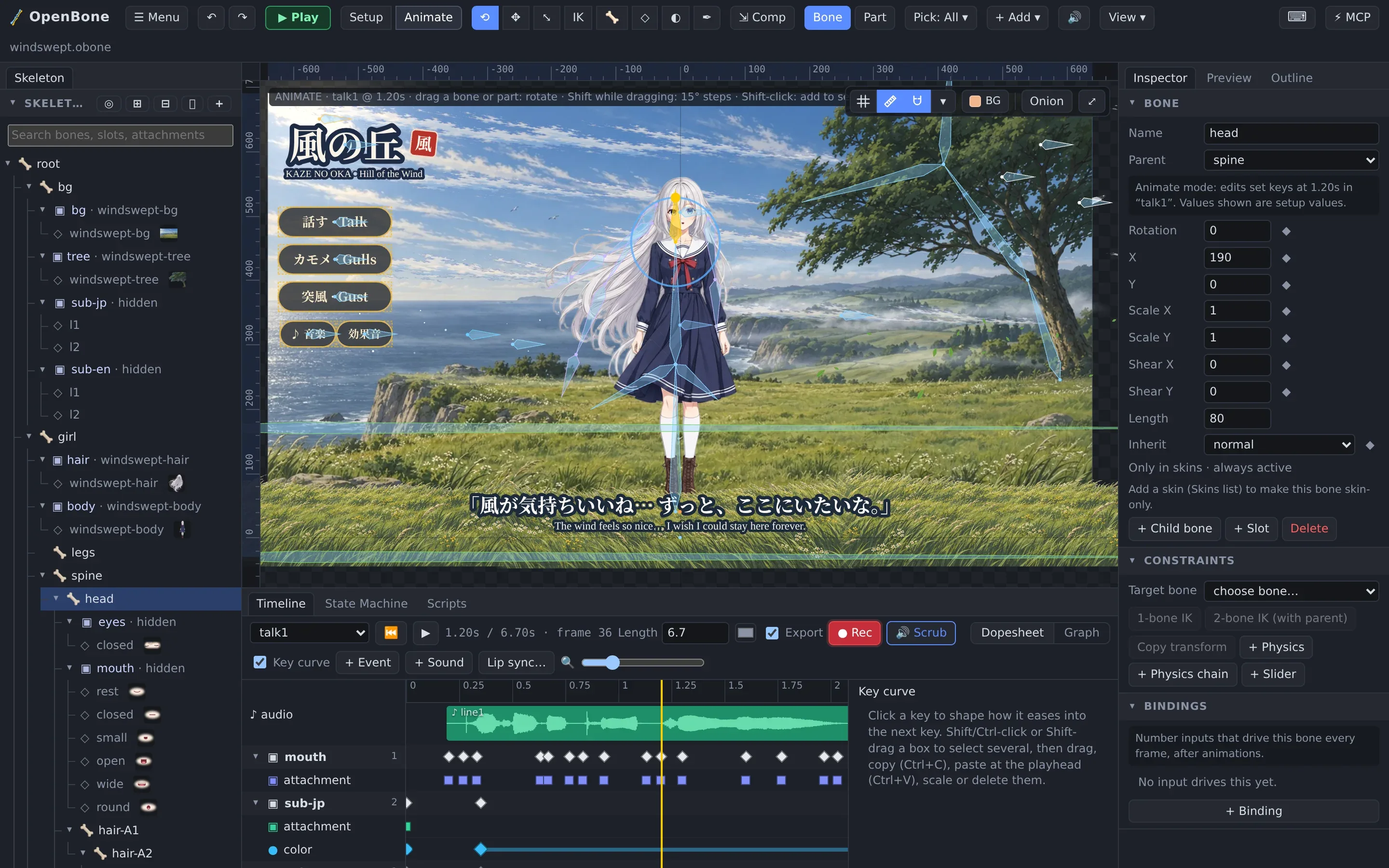
Bones, weighted meshes with free-form deformation, IK, transform, path and physics constraints, skins, clipping, two-colour tint and texture atlases.
Interactive like Rive
State machines with inputs, pointer listeners, live text, input bindings and sandboxed scripts.
Sound built in
Sounds on the timeline, events and states, a mixer with buses and mute buttons, lip sync from a voice recording, and video exports with the sound mixed in.
Play it anywhere
WebGL, Canvas, PixiJS, Phaser, Three.js and CanvasKit, plus native runtimes for C/C++, C#, Java, Swift, Flutter and Haxe, all held to one conformance suite.
Let an agent do it
Every edit is an MCP tool, and the editor shows an agent's work live as it happens.
Export everything
JSON, binary, atlases, PNG and JPEG frames, GIF, APNG, PSD, sprite sheets, AVI, MOV, MP4 and WebM with sound, and a self-contained web page.
A real editor, not a toy
Setup and Animate modes, a dopesheet and graph view, weights, meshes, the Pen tool, a 3D depth view, state machines, a mixer and Play mode. Desktop app or in the browser.
Interactive by design
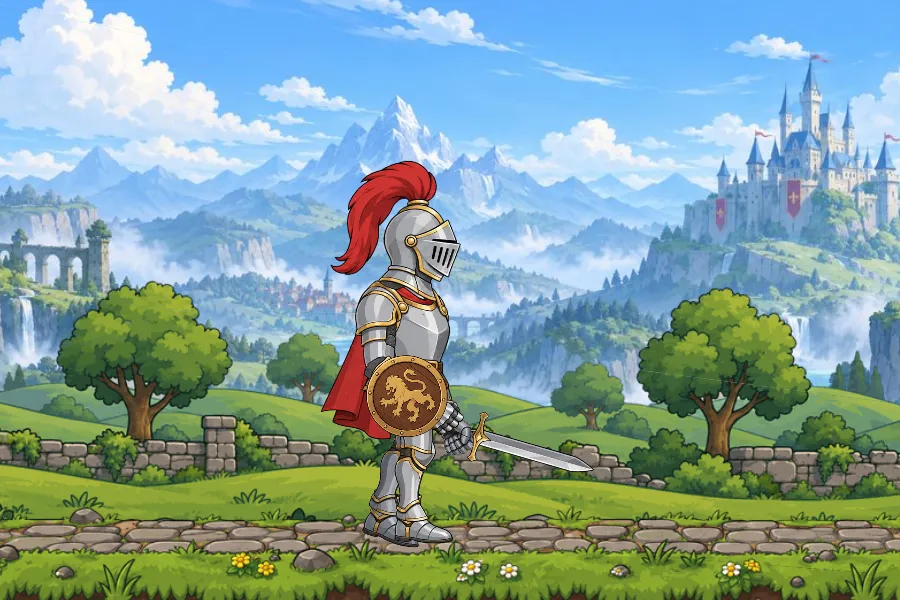
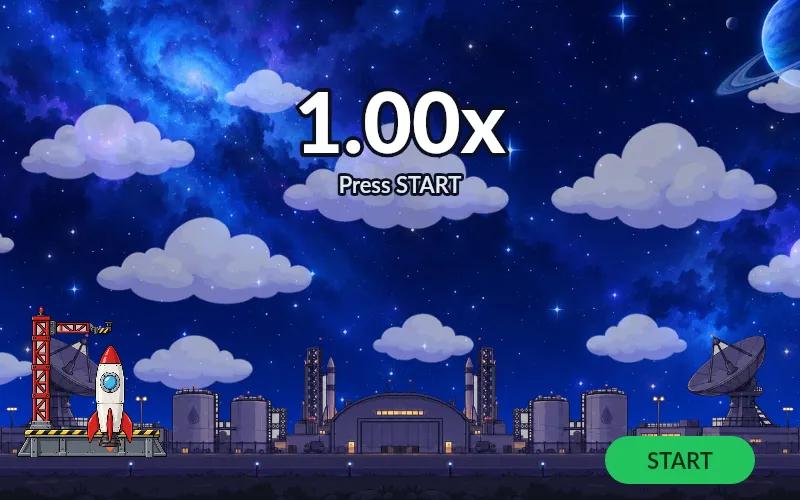
State machines, pointer listeners and live inputs run the same in the editor, the web player and every native runtime. Click them.

Let an agent animate
The MCP server exposes every editing operation as a tool, plus rendered frames and state-machine runs so the agent can check its own work. Click ⚡ Connect MCP in the editor and watch the edits arrive live.
{ "mcpServers": { "openbone": { "command": "npx", "args": ["-y", "@openbone/mcp"] } } }“Create a project at ~/anim/robot.obone: a robot with IK arms, an idle and a wave animation, and a state machine that waves when clicked.”
MCP guide →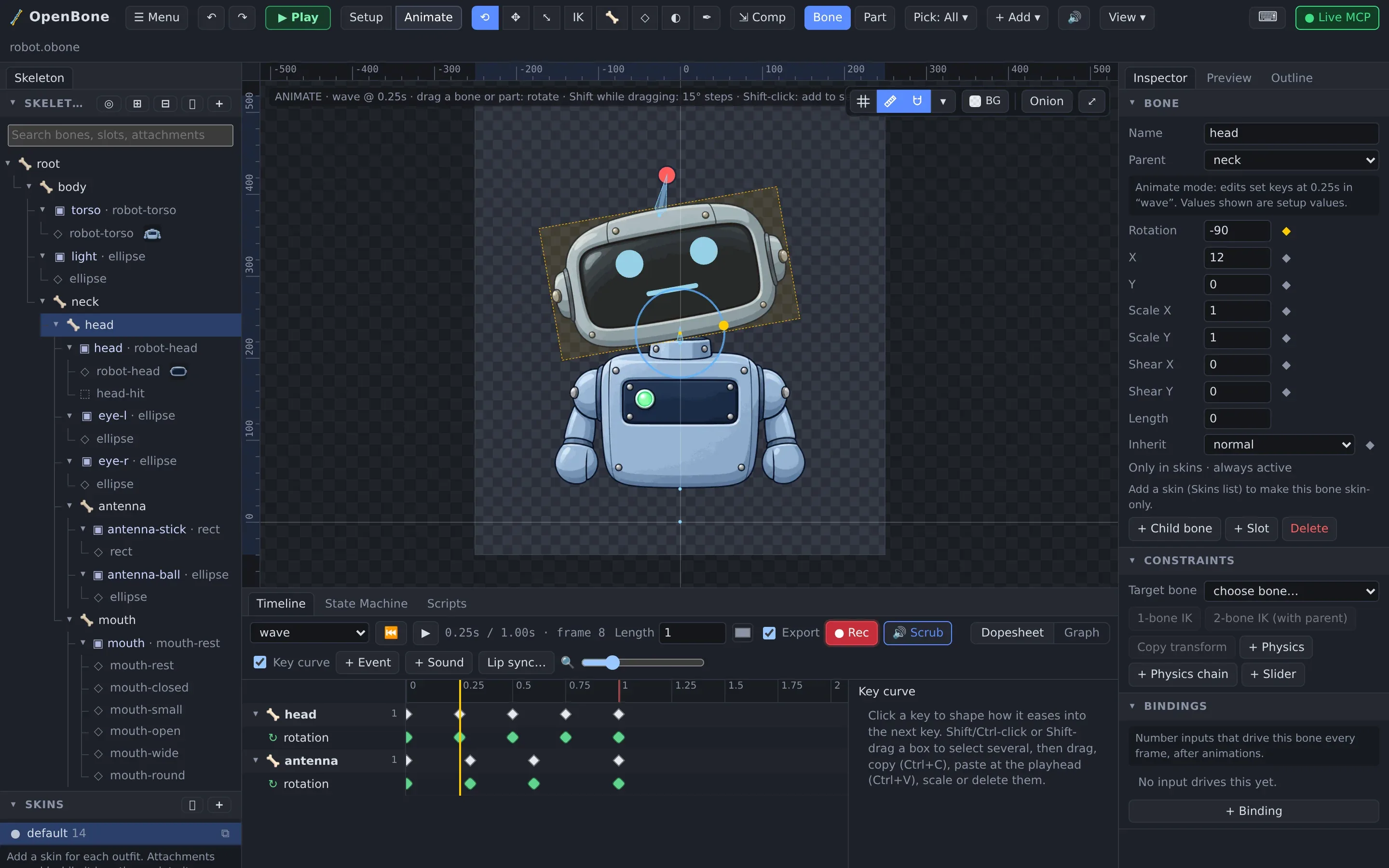
Install
Packages are published from every release. Pick your platform.
npm install @openbone/player<script type="module"> import { definePlayerElement } from "@openbone/player"; definePlayerElement();</script><openbone-player src="walker.obone" state-machine="character"></openbone-player>Package Manager → Add package from git URL:
https://github.com/UXCentury/open-bone.git#upmopenupm add com.openbone.runtimeAssetLib tab → search OpenBone, or unzip openbone-godot-0.3.0.zip from the releases into your project.
flutter pub add openboneXcode → Add Package Dependencies → https://github.com/UXCentury/open-bone, product OpenBone.
implementation("io.openbone:openbone-runtime:0.3.0")// + openbone-scripting, openbone-gdx, openbone-androiddotnet add package OpenBone.Runtimedotnet add package OpenBone.MonoGameadd_subdirectory(runtimes/cpp) # QuickJS and nlohmann/json are vendorednpx openbone --helpnpx -y @openbone/mcpOne file, every engine
Every runtime implements the runtime specification and passes the conformance suite: the same poses, draw lists, events, audio commands and state-machine steps, for every example.
Animate in the open.
Everything is MIT, from the editor to the last runtime, built only on permissively licensed open source.
OpenBone is MIT licensed and made by UXCentury. The example art, voices and sounds are credited in the repository.