
Exporting
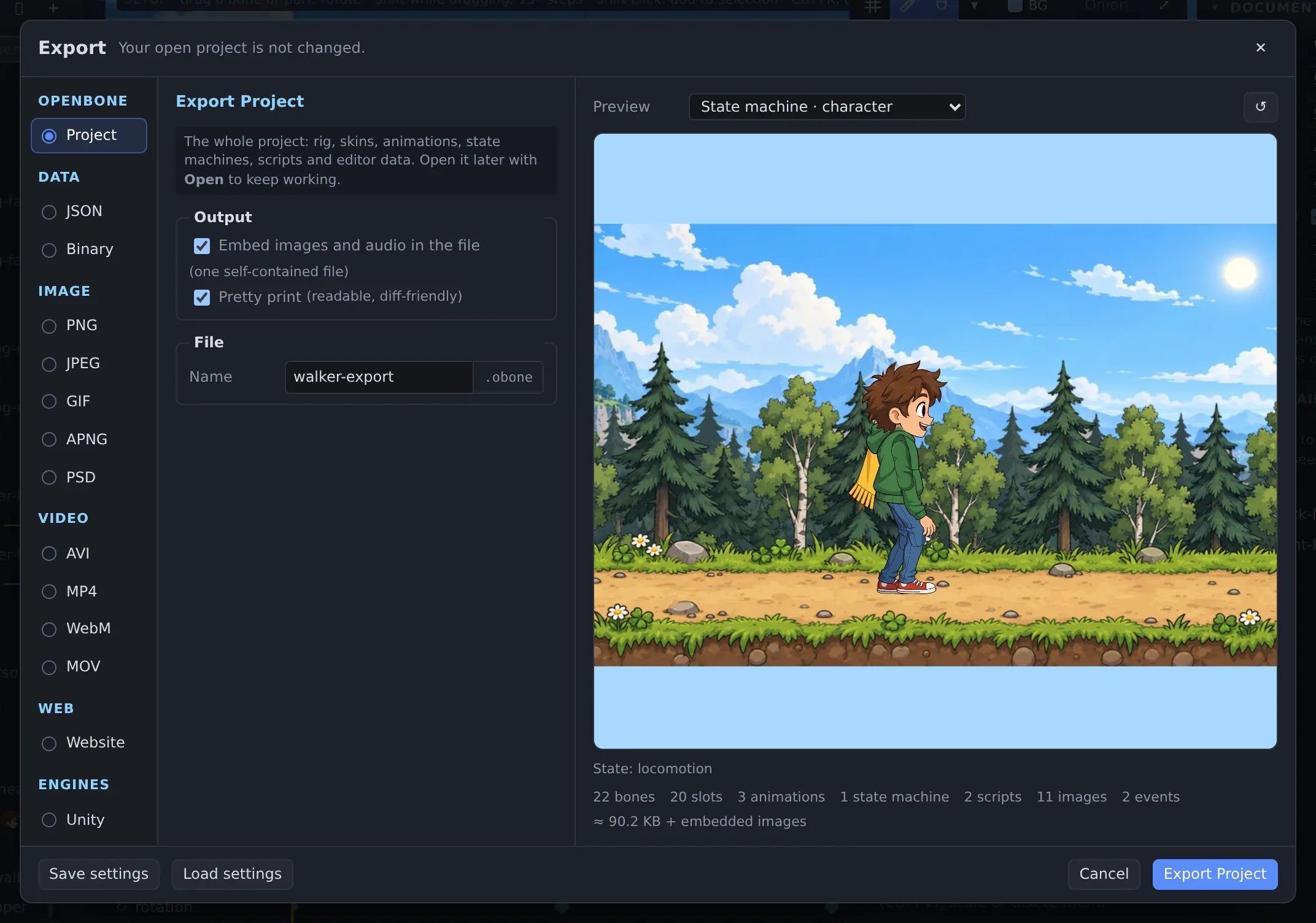
☰ Menu → Export… (Ctrl+E) opens the Export dialog. Pick a format on the left, set its options
in the middle, and check the preview on the right. Save settings and Load settings keep a set of options for
the next export. The CLI and the MCP server’s export_file run the same code, so
all three produce the same files.
All formats
Section titled “All formats”| Group | Format | What you get |
|---|---|---|
| OpenBone | Project | The whole .obone project (rig, skins, animations, state machines, scripts, editor data). Embed images and audio makes one self-contained file |
| Data | JSON | Runtime data for the engines: the animations and state machines marked for export, optionally with a packed texture atlas |
| Binary | The same in .obonb, about 40% of the JSON’s size |
|
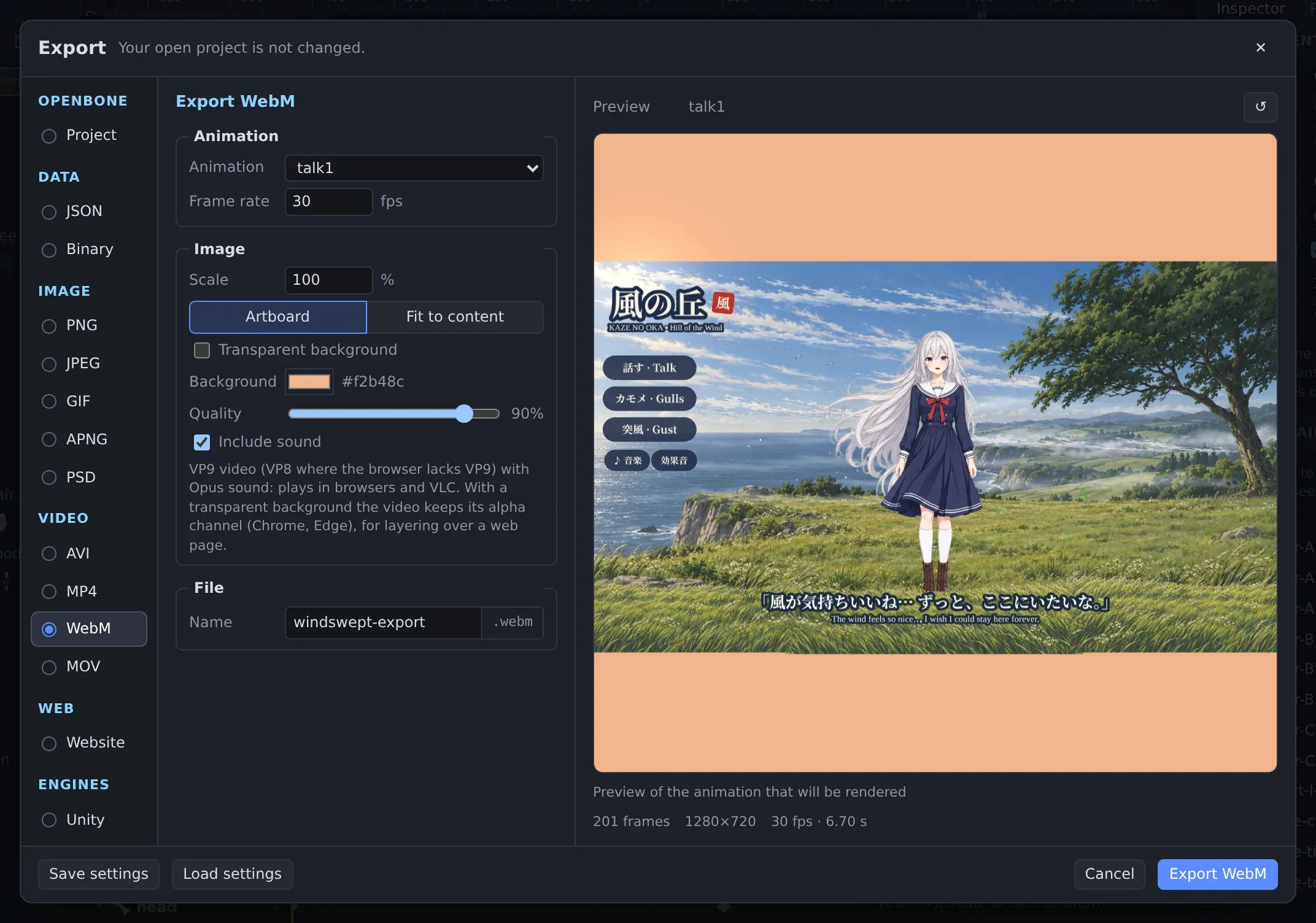
| Image | PNG, JPEG | One frame, or every frame in a ZIP |
| GIF, APNG | Animated images | |
| PSD | A Photoshop file, one layer per frame | |
| Video | MP4 | H.264 with AAC sound (Opus where the browser has no AAC encoder) |
| WebM | VP9 with Opus sound, with transparency where the browser supports it | |
| MOV, AVI | Motion-JPEG with sound | |
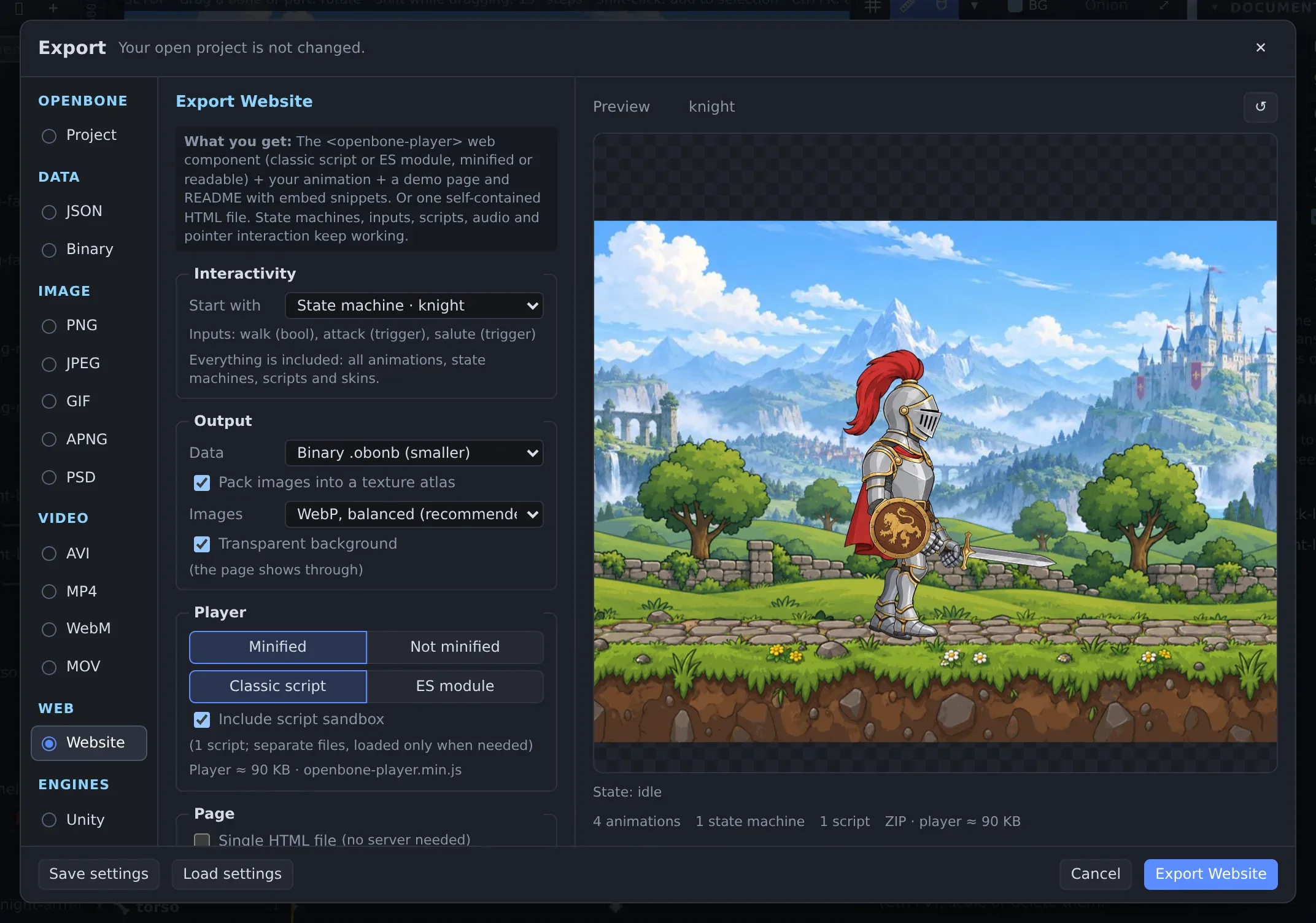
| Web | Website | The <openbone-player> web player, your animation, a demo page and embed snippets (ZIP), or one self-contained HTML file |
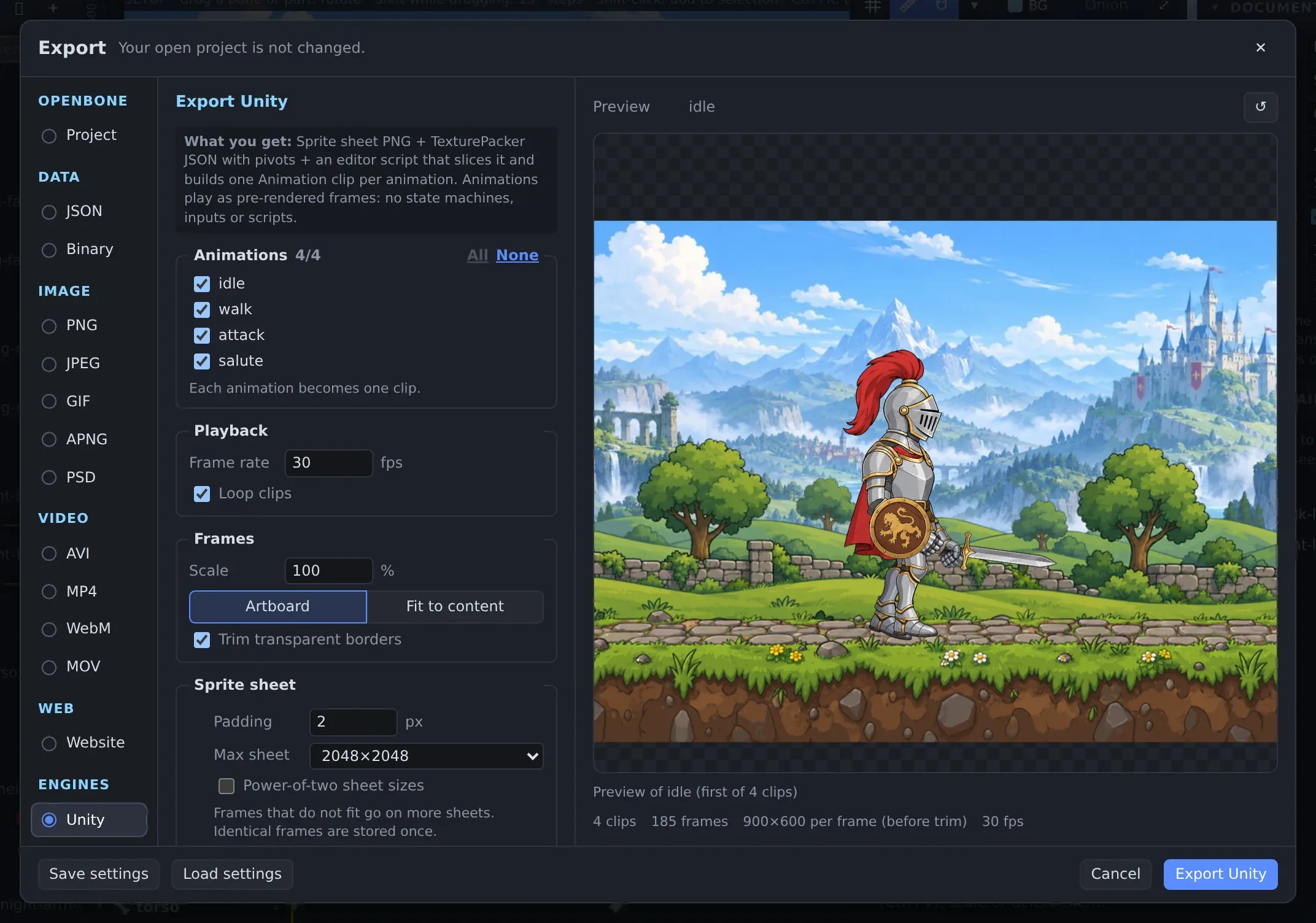
| Engines | Unity, Godot 4, Flutter, Android, iOS, Sprite sheet | Sprite sheets with clip data, or WebView packages that run the interactive player in an app. See Engine exports |
Frames come from an animation or from a state machine run, so a video can show an interaction (hover, click, transition) exactly as the runtime plays it.
Runtime data for engines
Section titled “Runtime data for engines”For a rig that keeps animating in your game (state machines, constraints, physics, skins swapped at runtime), export JSON or Binary and load it with a runtime. Pick the animations to keep, and whether to pack the images into an atlas.
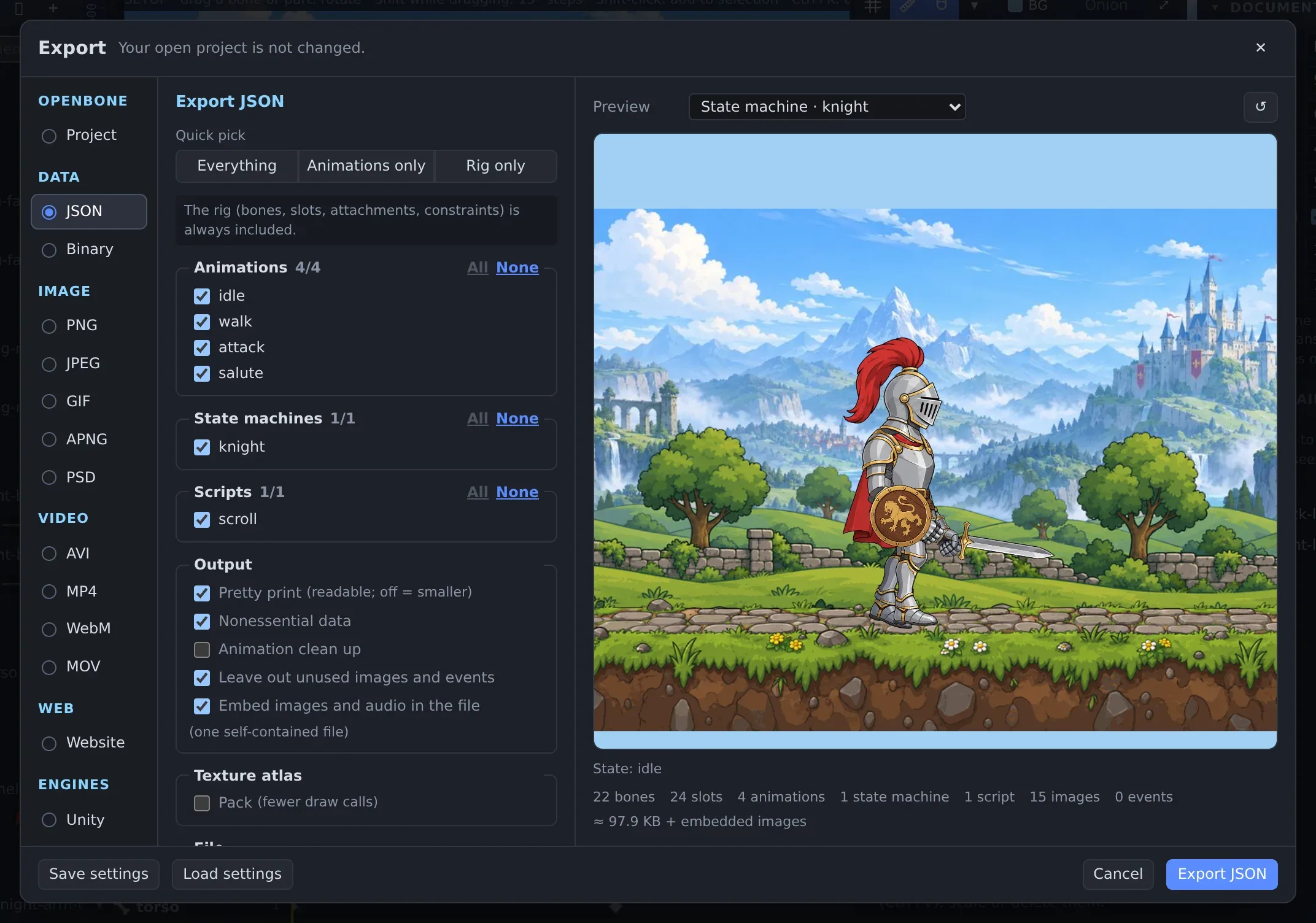
Atlas packing supports rotation, several scales in one pack, whitespace stripping, polygon outlines, aliasing of identical images, edge padding and bleed, page size rules, PNG or JPEG pages and premultiplied alpha. The CLI exposes every packer option.
Video with sound
Section titled “Video with sound”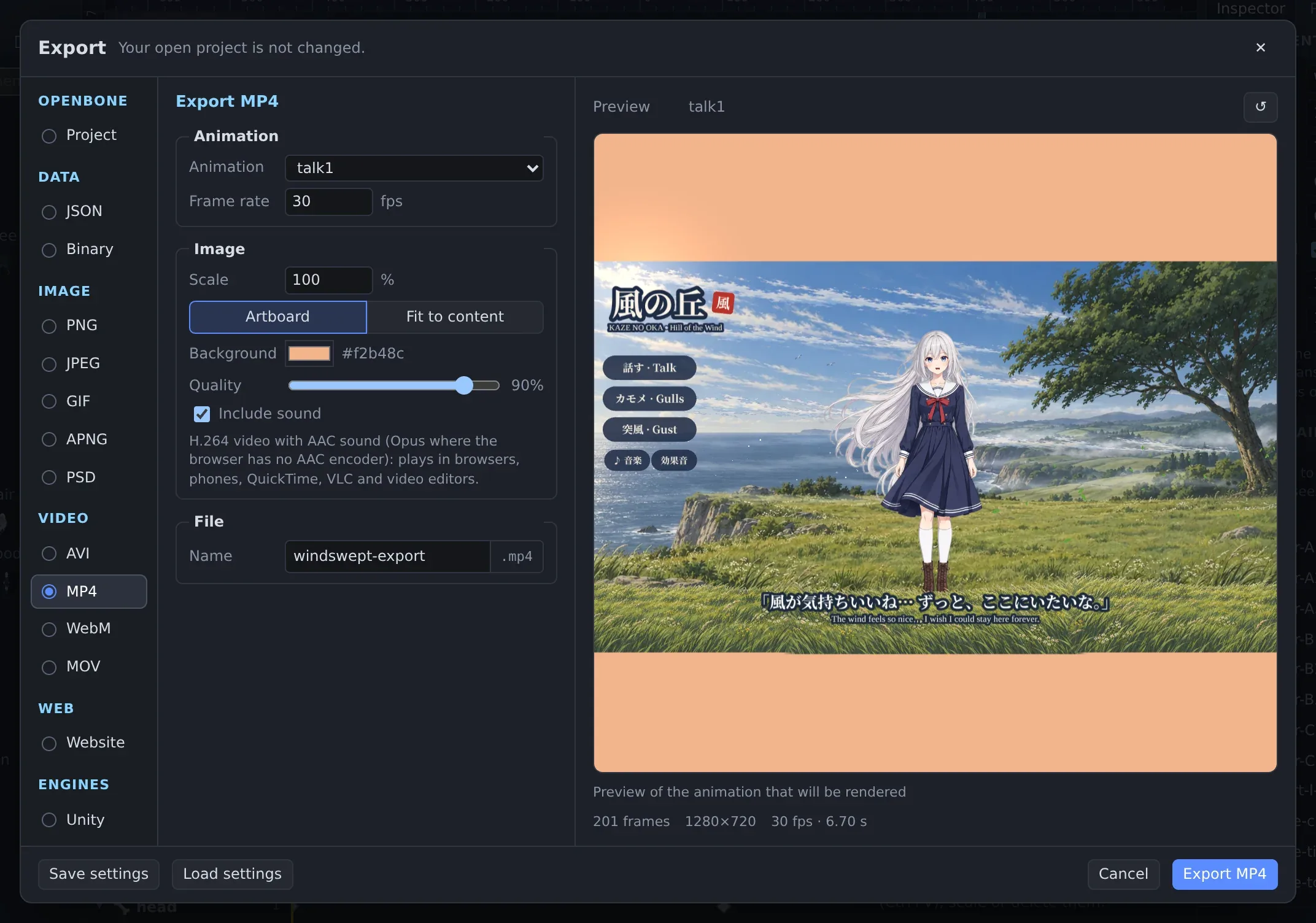
MP4 and WebM are encoded in the browser with WebCodecs (the desktop app included). Include sound mixes every sound
the animation or state-machine run plays (audio keys, events, state sounds) at its bus and master volume. From the CLI
and the MCP server, MP4 and WebM use ffmpeg from the PATH.
GIFs and image sequences
Section titled “GIFs and image sequences”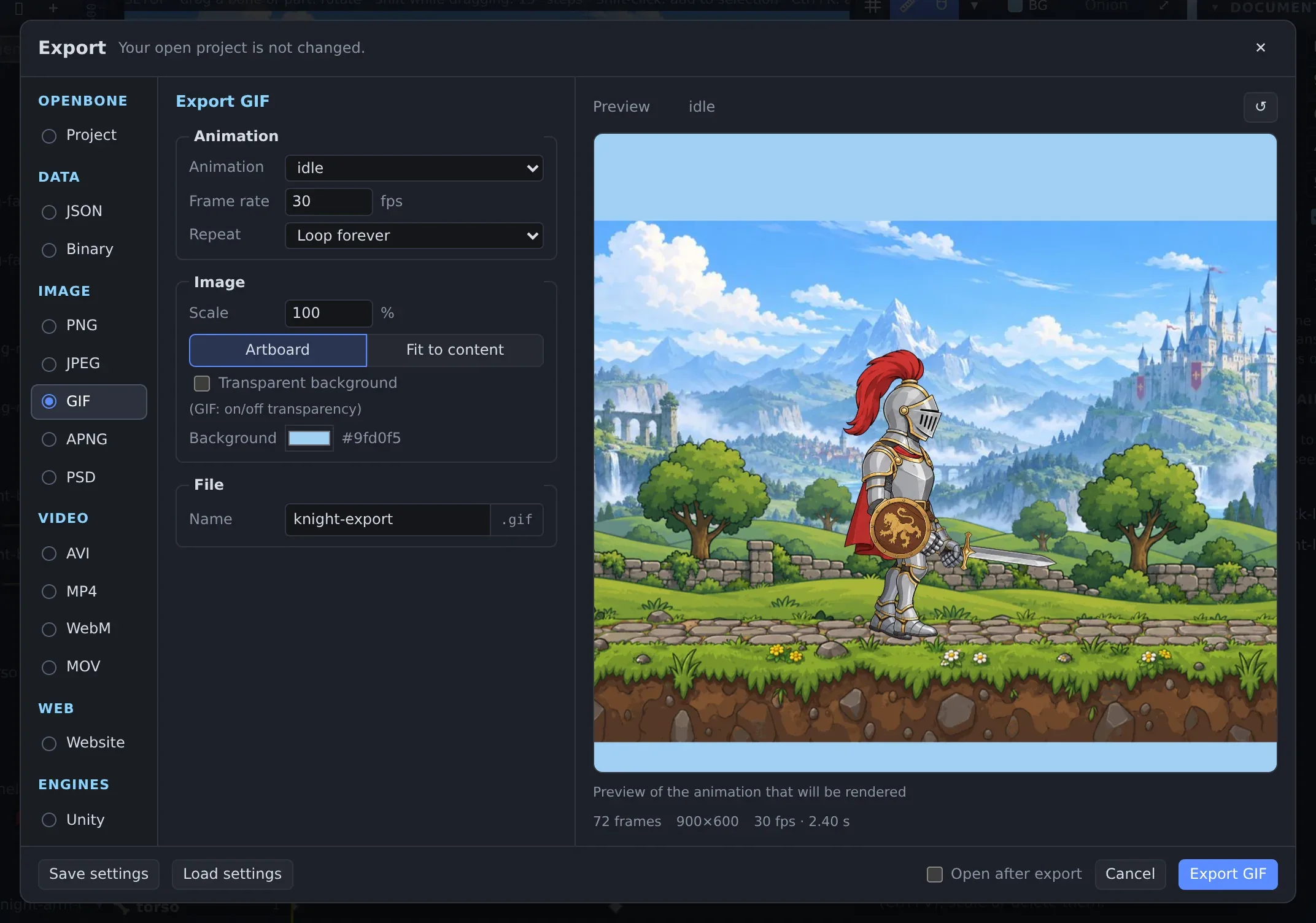
A web page
Section titled “A web page”The Website export writes everything needed to show your animation on a site: the web player (classic script or ES module, minified or not), your animation (optionally binary and atlas-packed, with WebP images), a demo page and embed snippets. Single HTML file puts it all in one file that works without a server.
Engine packs
Section titled “Engine packs”The Engines group makes sprite sheets with clip data that engines import directly (a Unity editor script that
slices the sheet and creates one .anim clip per animation, a Godot SpriteFrames resource and AnimatedSprite2D
scene, a Flutter CustomPainter widget and a Flame component, TexturePacker and Phaser atlases), and WebView packages
that run the full interactive player inside a Flutter, Android or iOS app. Every pack is a ZIP with a README.
OpenBone is MIT licensed and made by UXCentury. The example art, voices and sounds are credited in the repository.