
Swift (iOS and macOS)
The OpenBone Swift package wraps the C runtime with a Swift API, a Metal OpenBoneView (UIKit and AppKit), a SwiftUI
OpenBonePlayer and sound through AVFoundation. iOS 15+ and macOS 12+.
Install
Section titled “Install”In Xcode choose File → Add Package Dependencies…, enter https://github.com/UXCentury/open-bone, and add the
OpenBone library to your target. Or in Package.swift:
dependencies: [.package(url: "https://github.com/UXCentury/open-bone", from: "0.3.0")],targets: [.target(name: "MyApp", dependencies: [.product(name: "OpenBone", package: "open-bone")])]Export from the editor
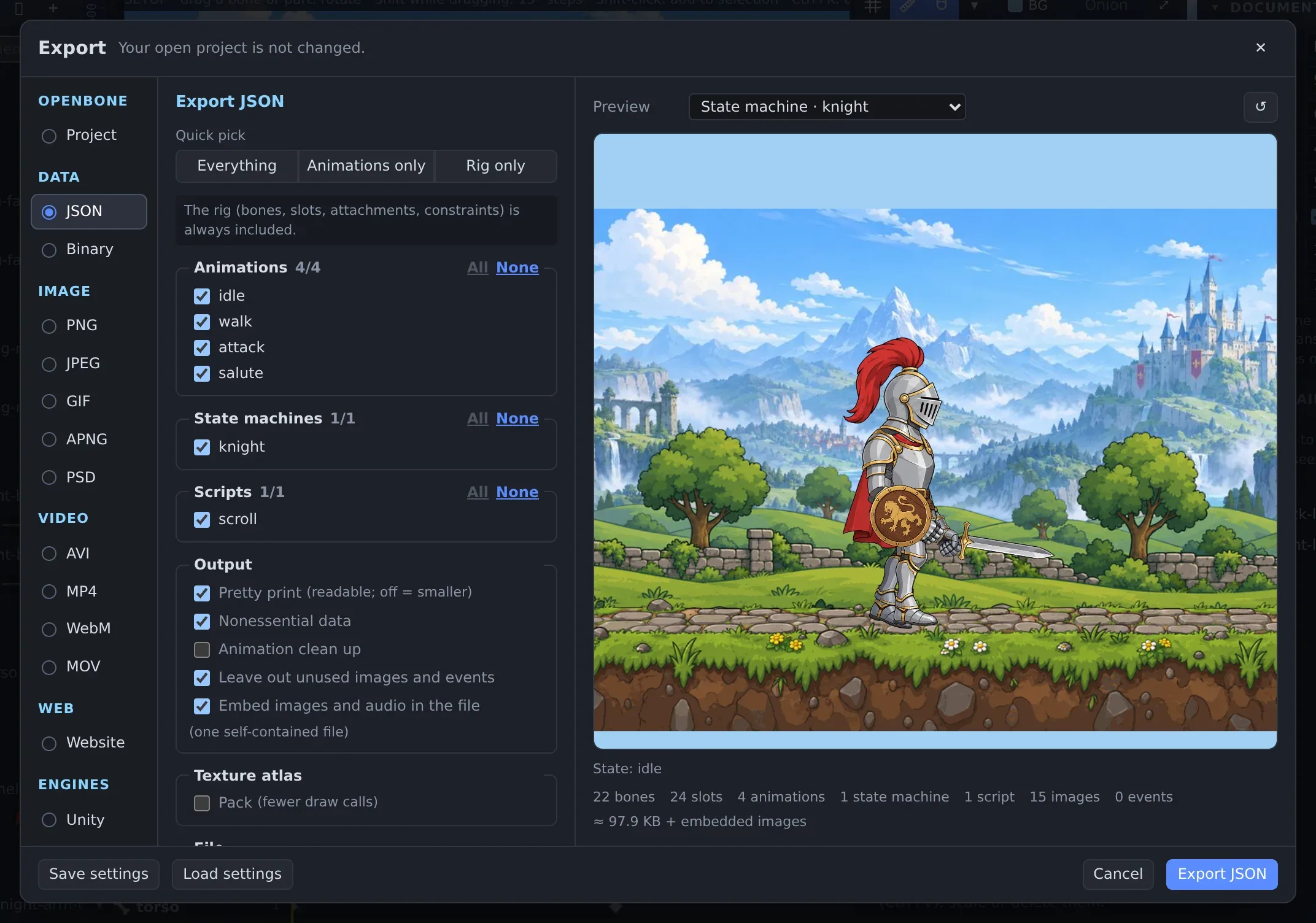
Section titled “Export from the editor”Add the exported .obone or .obonb file and its images to your app bundle.
Play it
Section titled “Play it”import OpenBoneimport SwiftUI
let doc = try OpenBoneDocument(contentsOf: Bundle.main.url(forResource: "button", withExtension: "obone")!)let inst = try OpenBoneInstance(document: doc) // scripts on by default
inst.onEvent = { e in print("event", e.name, e.stringValue) }inst.onStateChange = { layer, from, to in print(layer, "→", to) }
try inst.useStateMachine() // or: try inst.play("walk", loop: true)try inst.setInput("speed", 0.5)try inst.fire("attack")
struct Stage: View { let instance: OpenBoneInstance var body: some View { OpenBonePlayer(instance: instance, fit: .contain).frame(height: 320) }}OpenBoneView (an MTKView) advances its instance every frame, draws with Metal (blend modes, two-colour tint,
stencil clipping, particles, CoreText text) and turns touches or mouse events into pointer input for the state
machine’s listeners.
Reference: Swift runtime
OpenBone is MIT licensed and made by UXCentury. The example art, voices and sounds are credited in the repository.