
Unity
The com.openbone.runtime package imports .obone and .obonb files and plays them with the C# runtime: animation
and state-machine components, meshes, pointer listeners, scripts (Jint) and sound through AudioSources. Tested in
Unity 6.
Install
Section titled “Install”Package Manager → + → Add package from git URL:
https://github.com/UXCentury/open-bone.git#upmor with OpenUPM:
openupm add com.openbone.runtimeExport from the editor
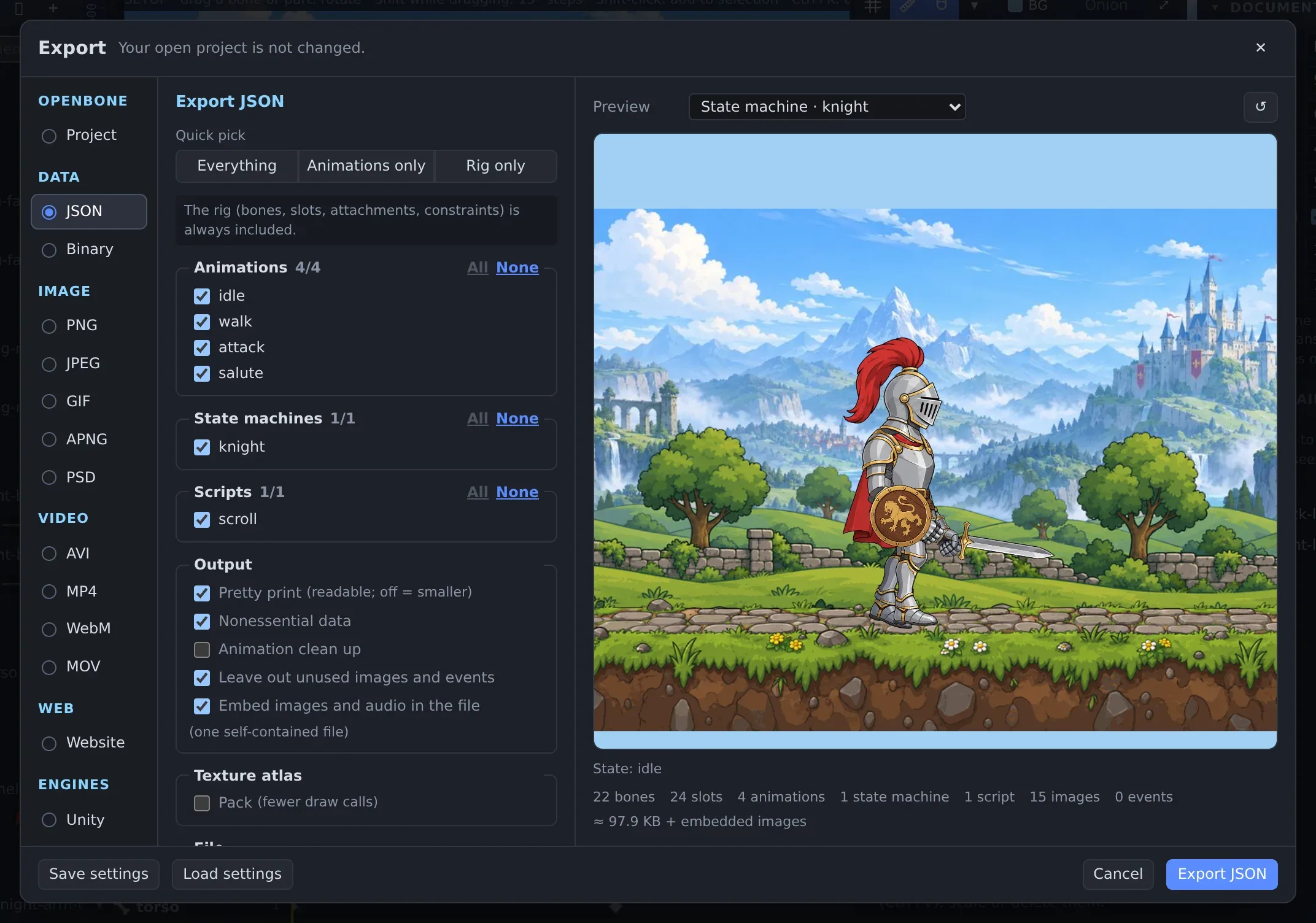
Section titled “Export from the editor”Export your project as JSON or Binary (☰ Menu → Export…), or save the .obone project itself. Keep the
images next to it, or pack an atlas, or embed them.
Play it
Section titled “Play it”- Put
hero.obone(and its images, unless they are embedded) inAssets/. - Create a GameObject and add OpenBone → OpenBone Animation (or OpenBone State Machine). Set Asset to the imported file.
- Set Start Animation or State Machine, and Pixels Per Unit (default 100).
- Add OpenBone → OpenBone Audio to the same object to hear the document’s sounds.
- Point an orthographic camera at the component’s
StageBounds: the stage as framed in the editor.
using OpenBone.Unity;using UnityEngine;
public class Hero : MonoBehaviour{    public OpenBoneAnimation anim;    public OpenBoneStateMachine machine;
    void Start()    {        anim.Play("walk");                       // loop on track 0        anim.Queue("jump", loop: false);         // after walk completes        anim.onEvent.AddListener((name, i, f, s) => Debug.Log($"event {name}"));
        machine.SetBool("walk", true);        machine.Fire("attack");        machine.onStateChanged.AddListener((layer, state) => Debug.Log($"{layer}: {state}"));    }}
Pointer listeners work through the EventSystem (the default): the scene needs an EventSystem and the camera a
Physics 2D Raycaster; a BoxCollider2D is added at start if the object has none.
Reference: Unity package · C# runtime · OpenBone.Runtime on NuGet
OpenBone is MIT licensed and made by UXCentury. The example art, voices and sounds are credited in the repository.