
Physics and constraints
Physics constraints add secondary motion: a bone lags behind the animated pose and springs back, so hair, skirts, tails, antennae and tree branches move on their own. The simulation is deterministic, so every runtime and every export shows the same motion.
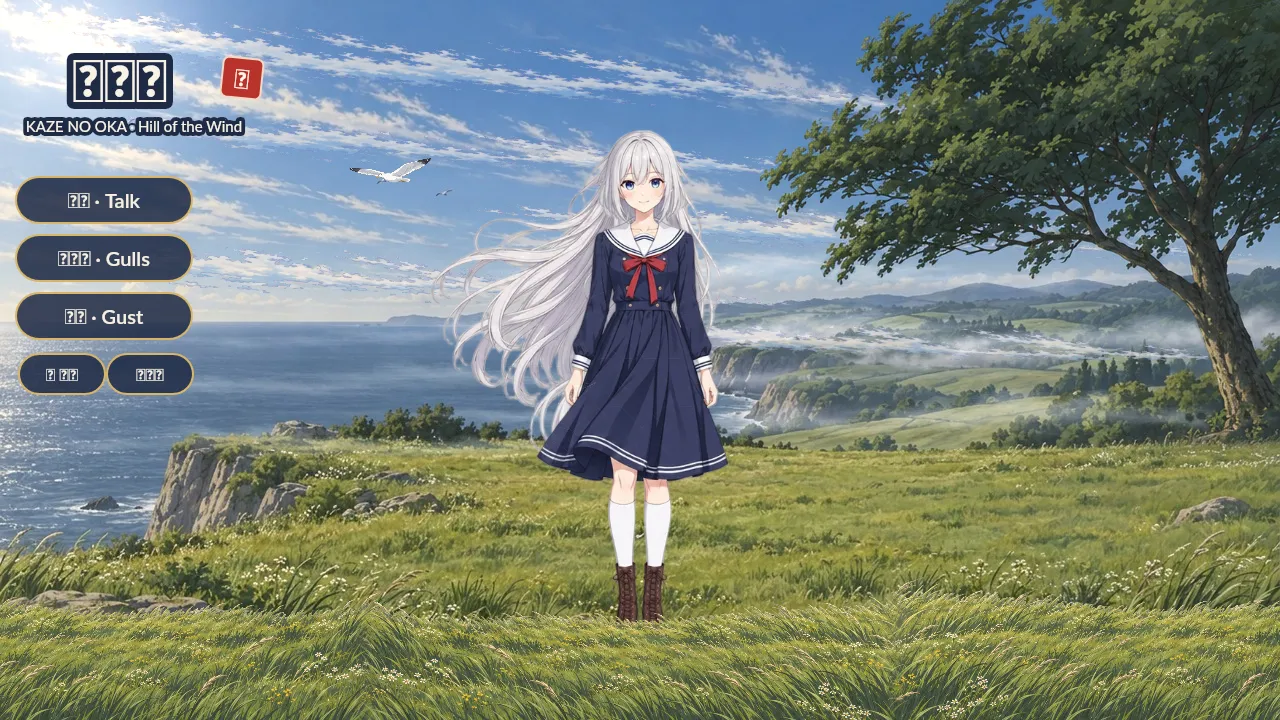
Everything that sways in Windswept (eight hair chains, the skirt, three levels of the tree) is a physics constraint. Press gust to see the wind input push them.
Add physics to a chain
Section titled “Add physics to a chain”- Select the first bone of the chain (a lock of hair, the base of a tail).
- Under Constraints in the Inspector press + Physics for that bone, or + Physics chain to add one constraint per bone down the chain in one step.
- Press Space in Animate mode, or drag a parent bone in the viewport, and tune the springs.
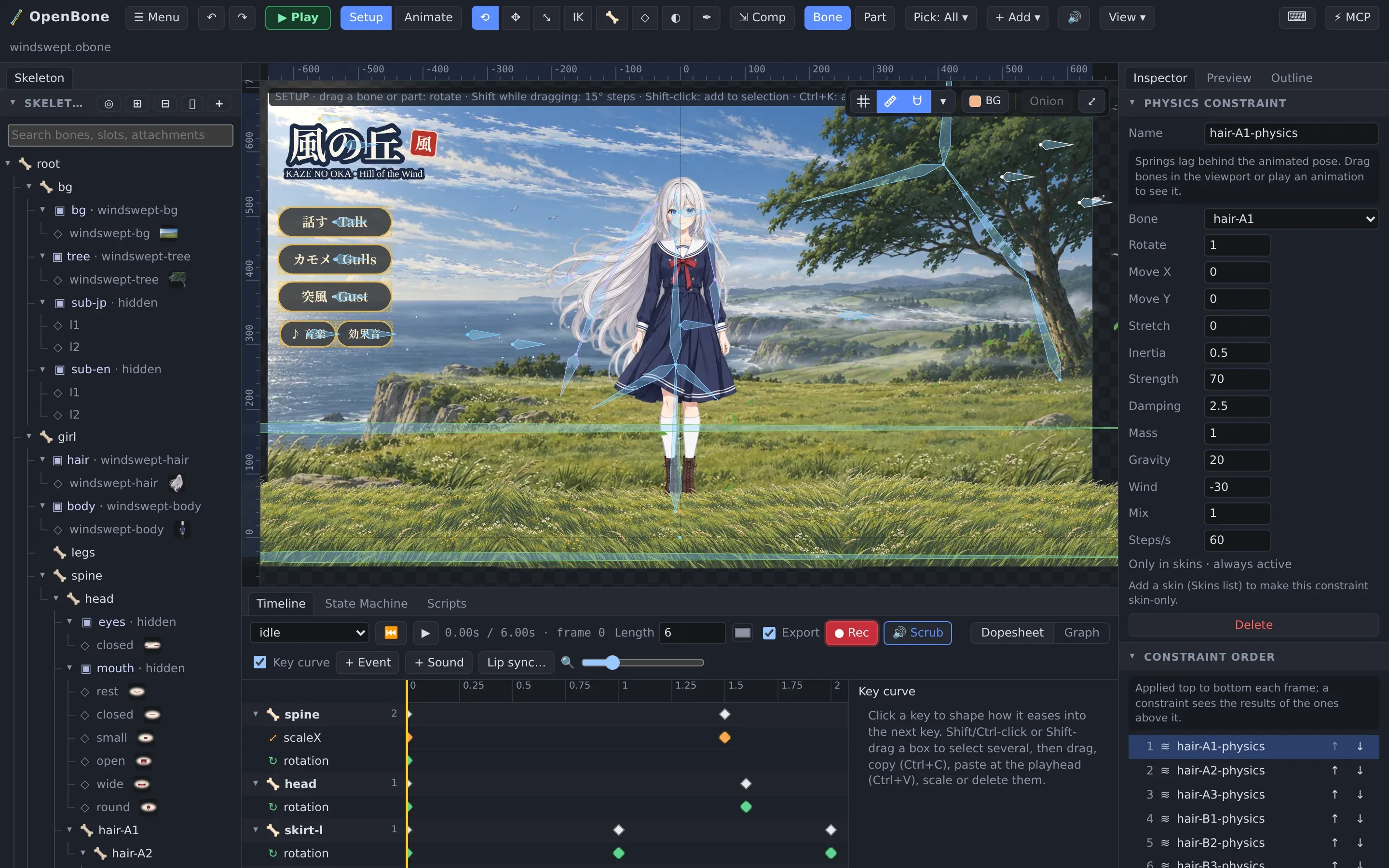
| Setting | Effect |
|---|---|
| Rotate / Move X / Move Y / Stretch | Which of the bone’s properties the simulation drives, and how much |
| Inertia | How much the bone keeps its own momentum when the parent moves |
| Strength | How hard it springs back to the animated pose |
| Damping | How quickly the swinging dies out |
| Mass | Heavier bones react more slowly |
| Gravity, Wind | Constant forces; both are keyable, so a gust is just an animation |
| Mix | Blend between the animated pose (0) and the simulated one (1) |
| Steps/s | Simulation rate; higher is steadier for fast motion |
Gravity, wind and IK softness follow the rig’s reference scale (in the document’s Inspector), so a rig scaled up or down behaves the same.
Other constraints
Section titled “Other constraints”| Constraint | Use |
|---|---|
| IK | 1- and 2-bone inverse kinematics with mix, bend direction, softness, stretch and compression. See First rig. |
| Transform | Copy rotation, translation, scale and shear from another bone, in world or local space, absolute or relative (a wheel that turns with a lever, eyes that follow a target) |
| Path | Place and rotate a bone chain along a bezier path drawn with the Pen tool, with position, spacing and rotate modes and constant speed (the Tail example’s tail) |
| Sliders | Let a bone’s property or a number input scrub an animation (corrective shapes, a shadow that follows a jump, a dial) |
The Constraint order list in the document’s Inspector sets which constraints run first; each one sees the result of the ones above it.

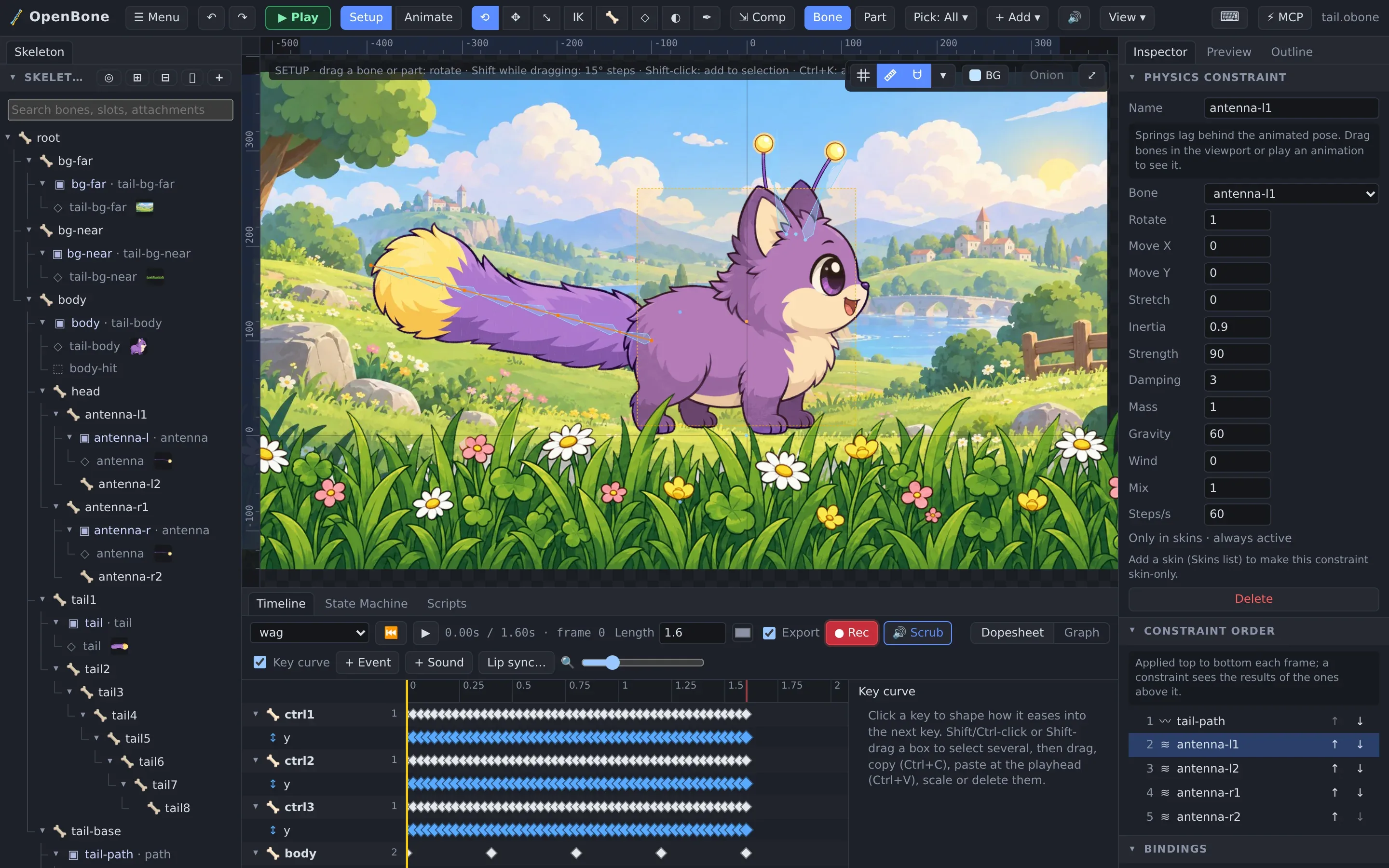
The Tail combines a path constraint (the tail follows a bezier path whose knots are animated), physics antennae and a camera pan on a second state-machine layer. Click the creature.
OpenBone is MIT licensed and made by UXCentury. The example art, voices and sounds are credited in the repository.