
Editor tour
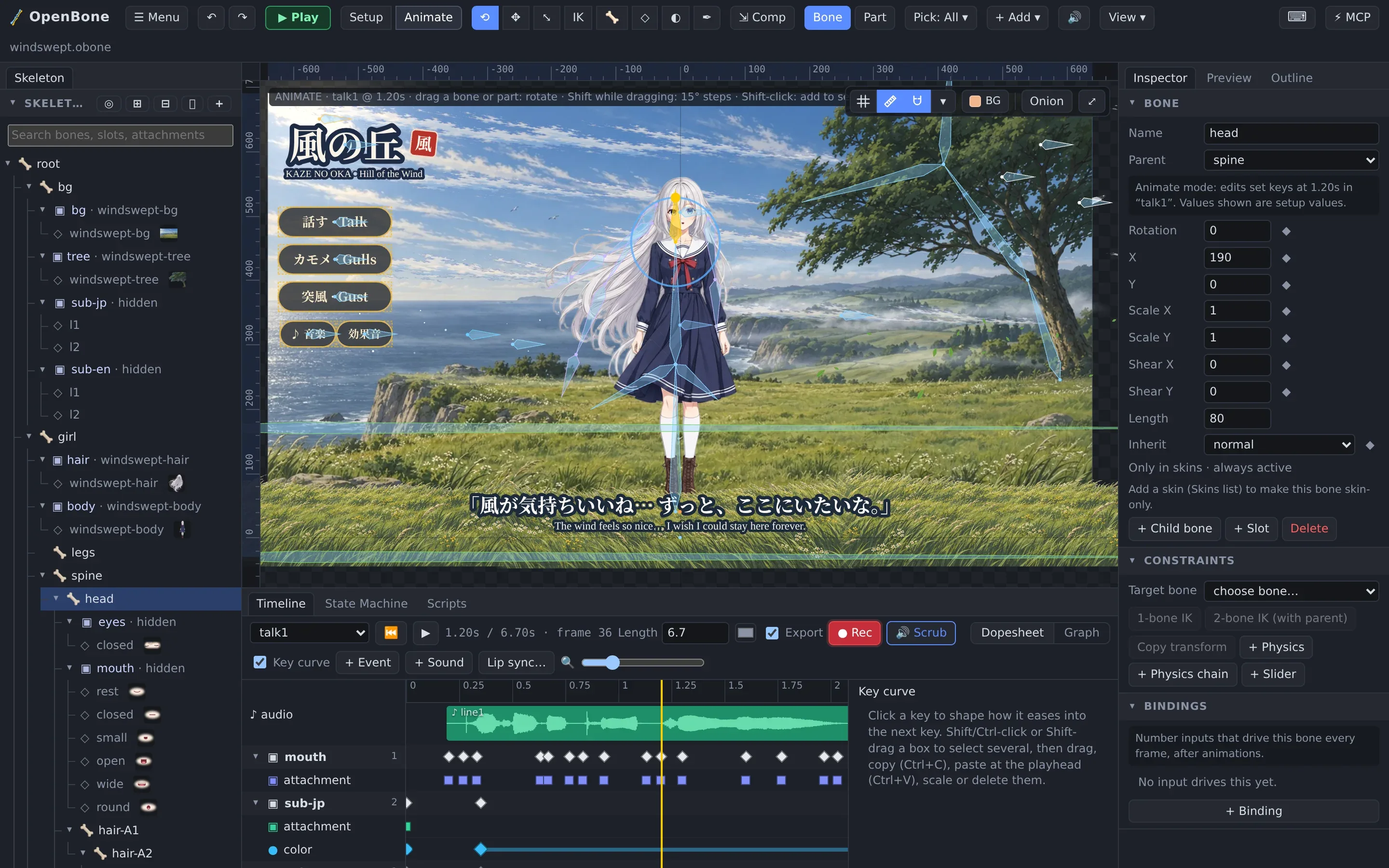
The layout
Section titled “The layout”| Area | What it holds |
|---|---|
| Toolbar (top) | Menu, undo/redo, ▶ Play, the Setup / Animate switch, the tools, Bone / Part, the pick filter, + Add, mute, View, shortcuts and ⚡ Connect MCP |
| Skeleton (left) | The tree of bones, slots and attachments, with search, eyes (visibility) and locks; below it skins, images, audio, animations, events and state machines |
| Viewport (centre) | The artboard. Wheel zooms, Alt/right-drag pans, F fits. Grid, rulers and guides, snapping, background and onion skin are in its corner |
| Inspector (right) | Properties of whatever is selected: the document, a bone, slot, attachment, constraint, sound or bus. Preview shows the result as shipped, Outline lists everything |
| Timeline (bottom) | The dopesheet or graph of the current animation, the State Machine editor and the Scripts panel |
Every panel can be dragged to another side or grouped with others, and ☰ Menu → Layout saves your own layouts.
Setup and Animate
Section titled “Setup and Animate”- Setup mode builds the rig: bones, slots, attachments, constraints and their rest values (the setup pose).
- Animate mode (` toggles) records keys. With ● Rec on, any change you make at the playhead becomes a key in the current animation; the Inspector’s ◆ buttons key one property.
| Tool | Key | Use |
|---|---|---|
| Select / rotate | V | Click to select, drag to rotate bones (or parts, in Part mode) |
| Translate | T | Move bones and attachments |
| Scale | S | Scale; Shift for uniform |
| Pose (IK) | I | Drag a bone and its parents bend to follow |
| Create bone | B | Drag from a parent bone to add a child |
| Mesh | M | Edit mesh vertices; in Animate mode, free-form deformation |
| Weights | W | Paint how much each bone moves each vertex |
| Pen | N | Draw bezier paths and bounding-box outlines |
| Compensate | J | Move a bone without moving its children |
Bone | Part decides whether dragging a picture moves its bone or the picture itself. Pick filters what a click can grab. A hover outline always shows what the next click will select.
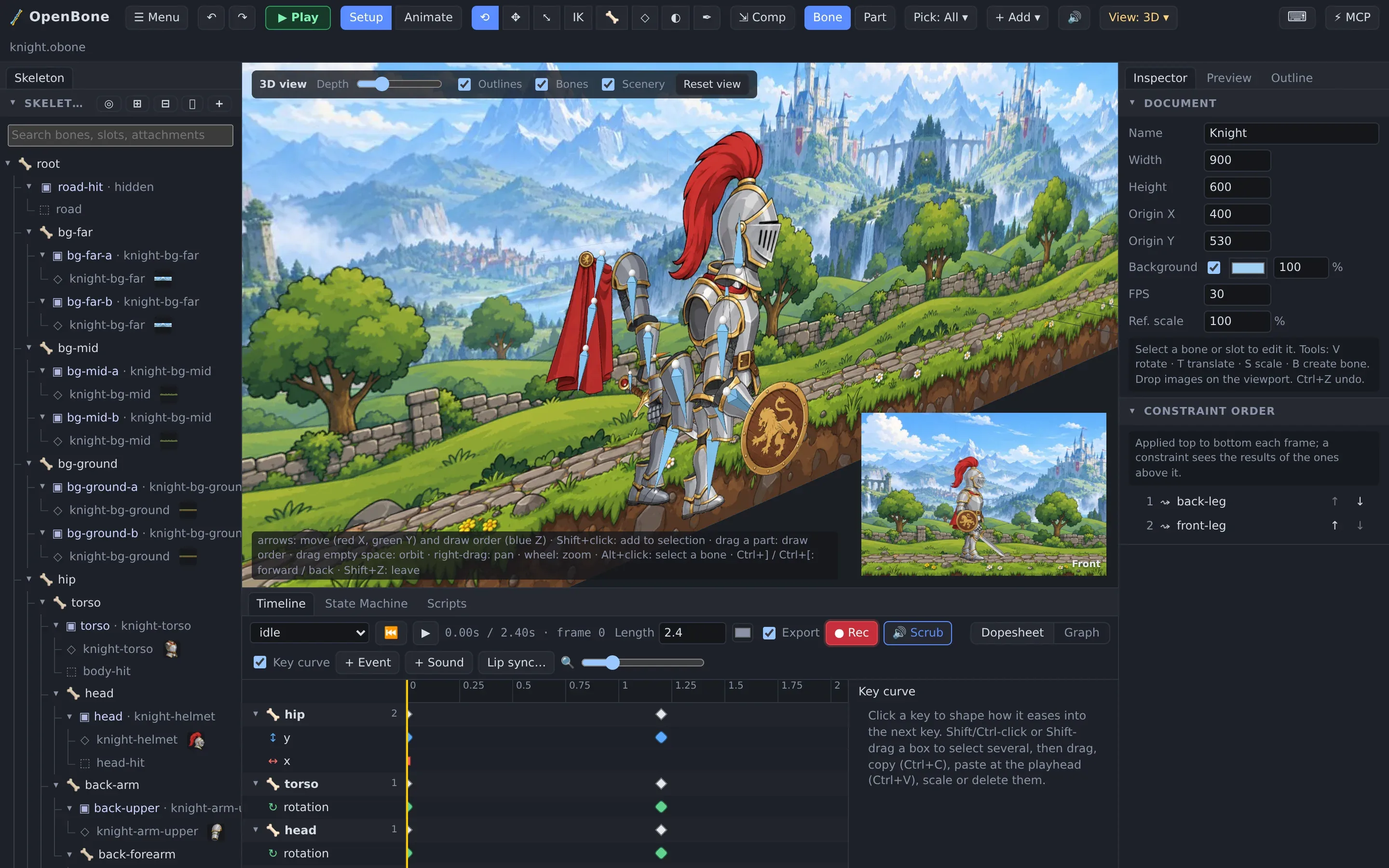
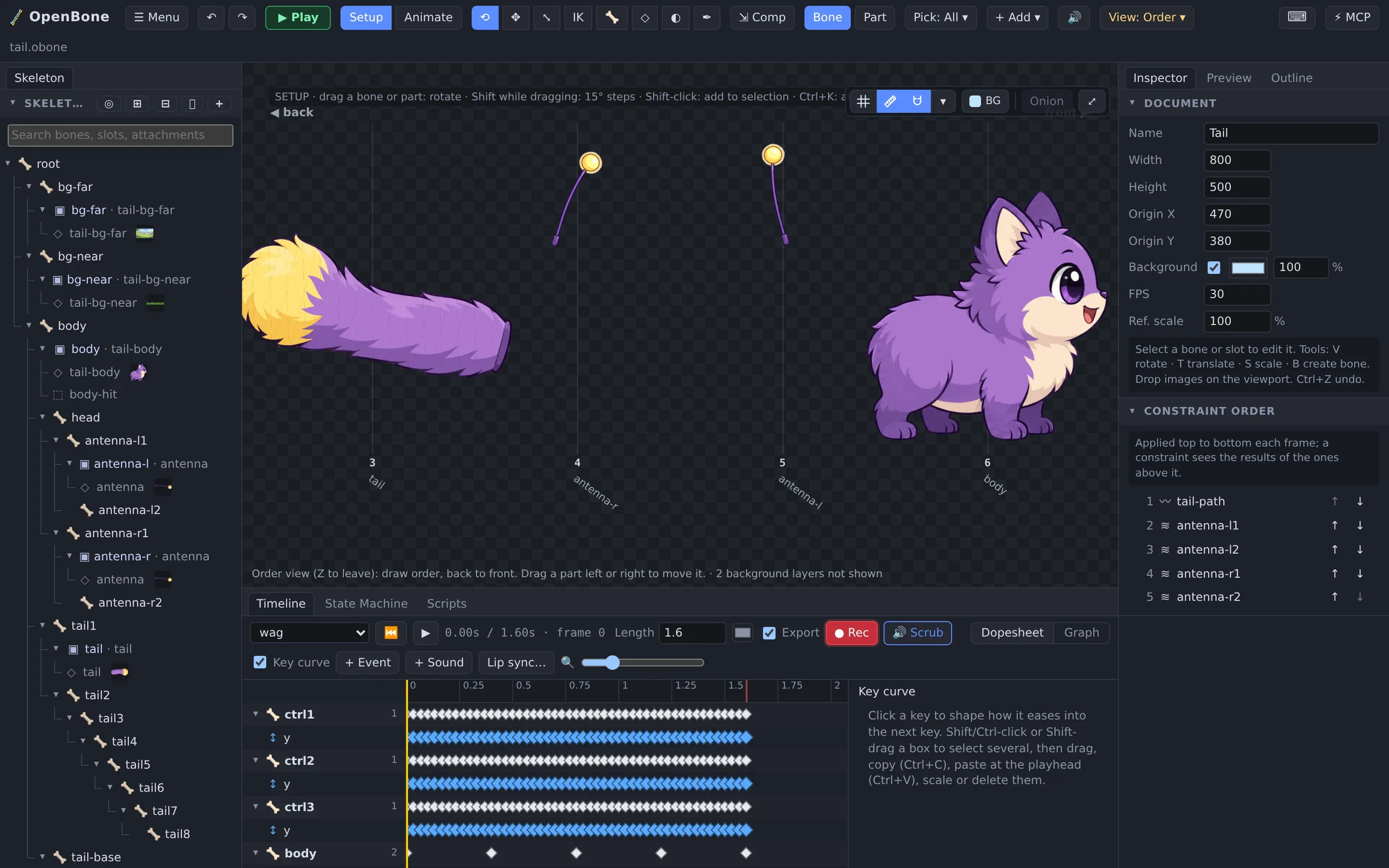
The View menu switches between the normal view, bones only, mesh wireframes, the Order view and the 3D view.
The menu
Section titled “The menu”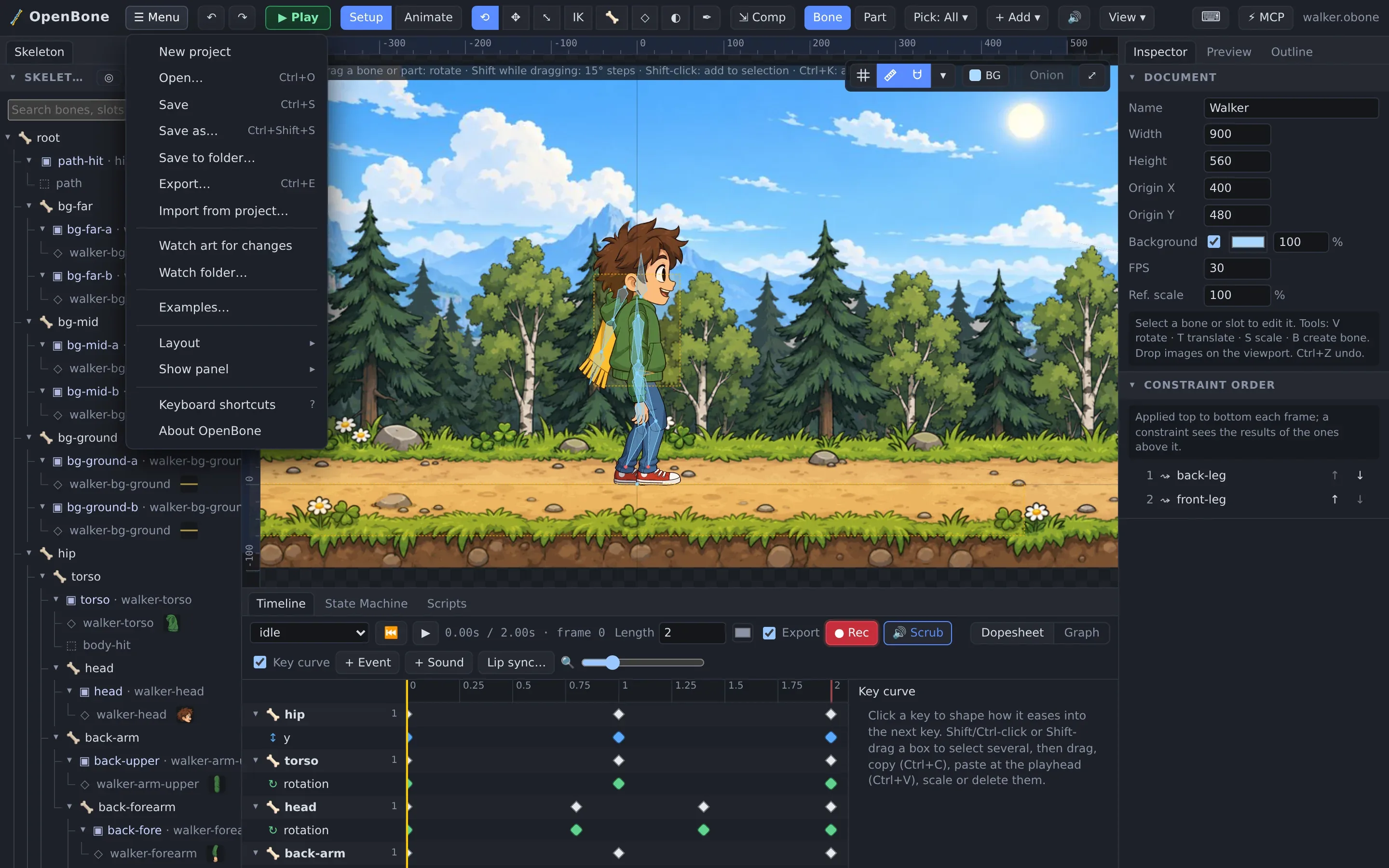
Import from project… copies animations, skins or a whole skeleton from another file. Watch art for changes reloads images and sounds when you save them in your paint or audio app. Layout and Show panel manage the dockable workspace.
Play mode
Section titled “Play mode”▶ Play (P) runs the file as it will ship, with its state machine, scripts, sound and pointer interaction. The Inputs panel sets inputs and fires triggers, and the log shows every state change. See State machines.
OpenBone is MIT licensed and made by UXCentury. The example art, voices and sounds are credited in the repository.