
Web
The web player
Section titled “The web player”@openbone/player is a web component that loads a .obone or .obonb file and its images, runs
its animation or state machine, draws with WebGL2 (Canvas 2D as a fallback), routes pointer events to listeners, plays
the sound and runs scripts. Every live example on this site is this element.
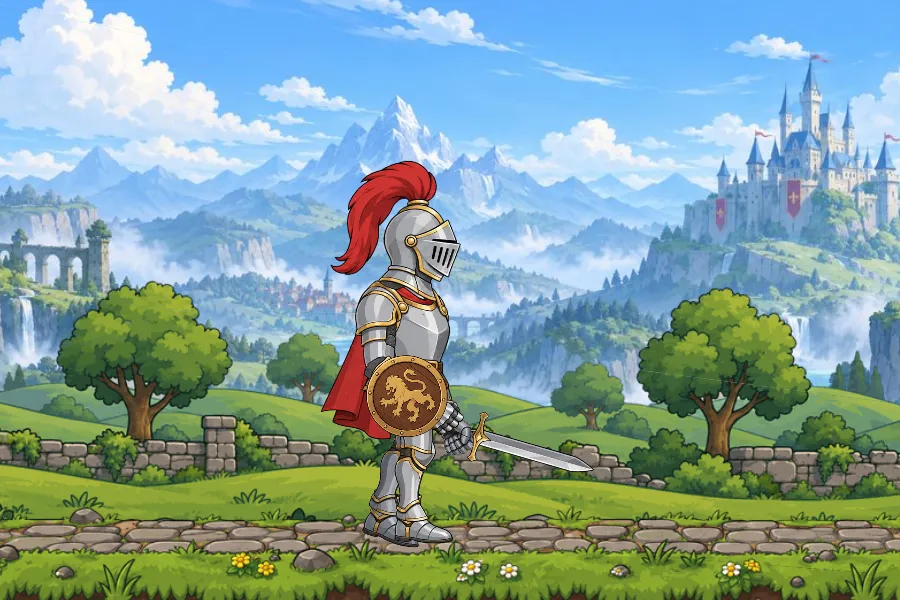
npm install @openbone/player<openbone-player src="/knight.obone" state-machine="knight" style="width: 600px; height: 400px"></openbone-player><button id="attack">Attack</button>
<script type="module"> import { definePlayerElement } from "@openbone/player";
definePlayerElement(); // registers <openbone-player>
const knight = document.querySelector("openbone-player"); knight.addEventListener("openbone-load", () => knight.setInput("walk", true)); knight.addEventListener("openbone-event", (e) => console.log("event", e.detail.name)); knight.addEventListener("openbone-state", (e) => console.log(e.detail.layer, e.detail.from, "->", e.detail.to)); document.querySelector("#attack").addEventListener("click", () => knight.fire("attack"));</script>Images and sounds load relative to the document’s URL. Attributes: src, state-machine, animation, skin, fit
(contain, cover, none), renderer (webgl, canvas), background, autoplay, scripts, audio, muted.
Methods: setInput, fire, setText, setSkin, play, pause, and player for the full Player API.
Without a bundler
Section titled “Without a bundler”The editor’s Website export (Exporting) writes a ready-made openbone-player.js,
your animation and a demo page, or one self-contained HTML file. To build the script yourself, use
@openbone/player/bundle (this site does exactly that):
<script src="openbone-player.js"></script><openbone-player src="walker.obone" state-machine="character"></openbone-player>Game engines and 3D
Section titled “Game engines and 3D”The engine packages draw the same batches as the WebGL renderer, checked frame for frame, and turn the engine’s
pointer events into state-machine input. The repository’s demos (pnpm --filter @openbone/examples engines) show
the knight in each:
npm install @openbone/pixi pixi.jsimport { Application } from "pixi.js";import { OpenBone } from "@openbone/pixi";
const app = new Application();await app.init({ preference: "webgl", width: 900, height: 600, background: "#1b1e24" });document.body.appendChild(app.canvas);
const knight = await OpenBone.from("/knight.obone", { stateMachine: "knight" });knight.position.set(knight.asset.doc.originX, knight.asset.doc.originY);app.stage.addChild(knight);
knight.setInput("walk", true);knight.onOpenBone("event", (e) => console.log("event", e.name));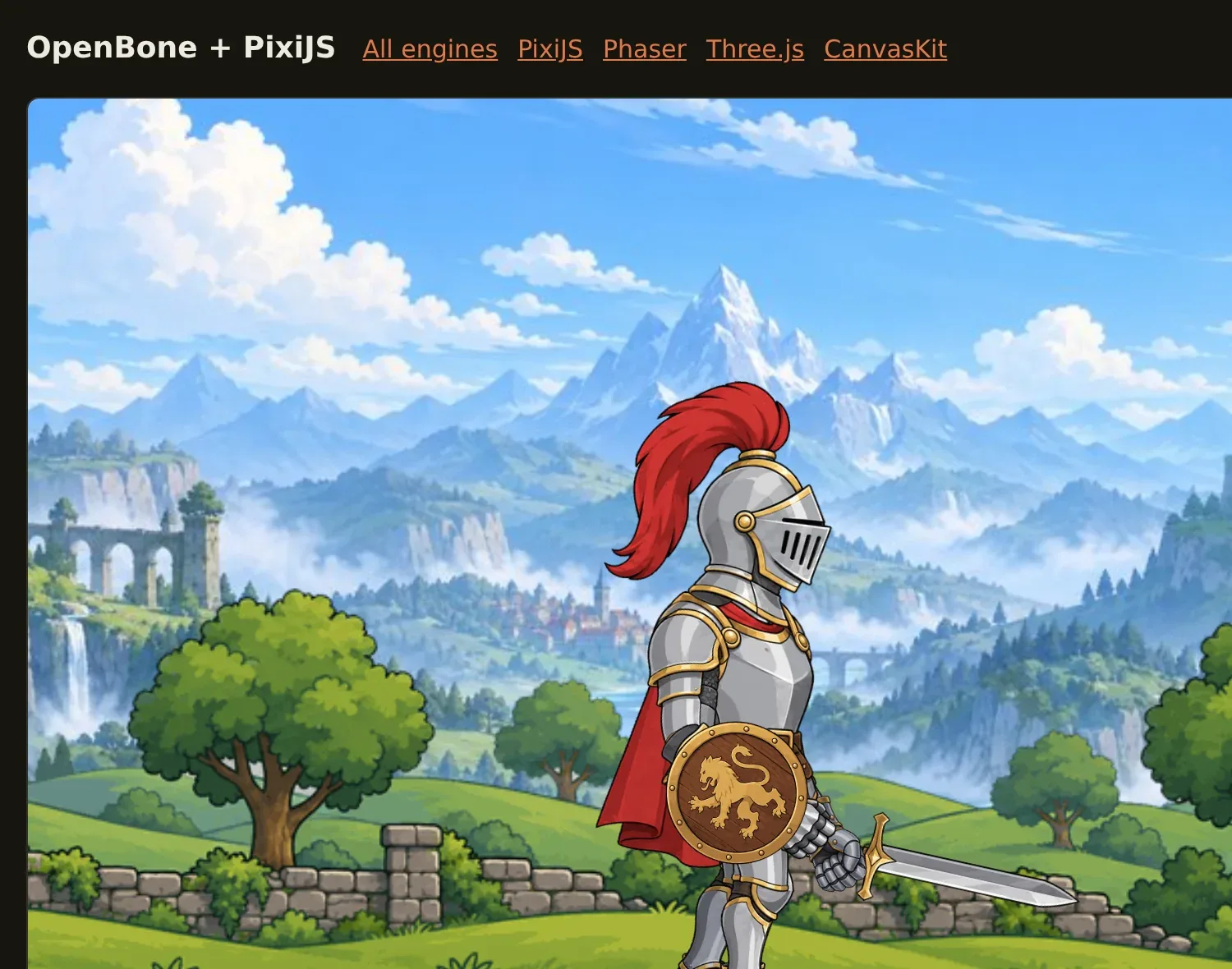
Full API: @openbone/pixi.
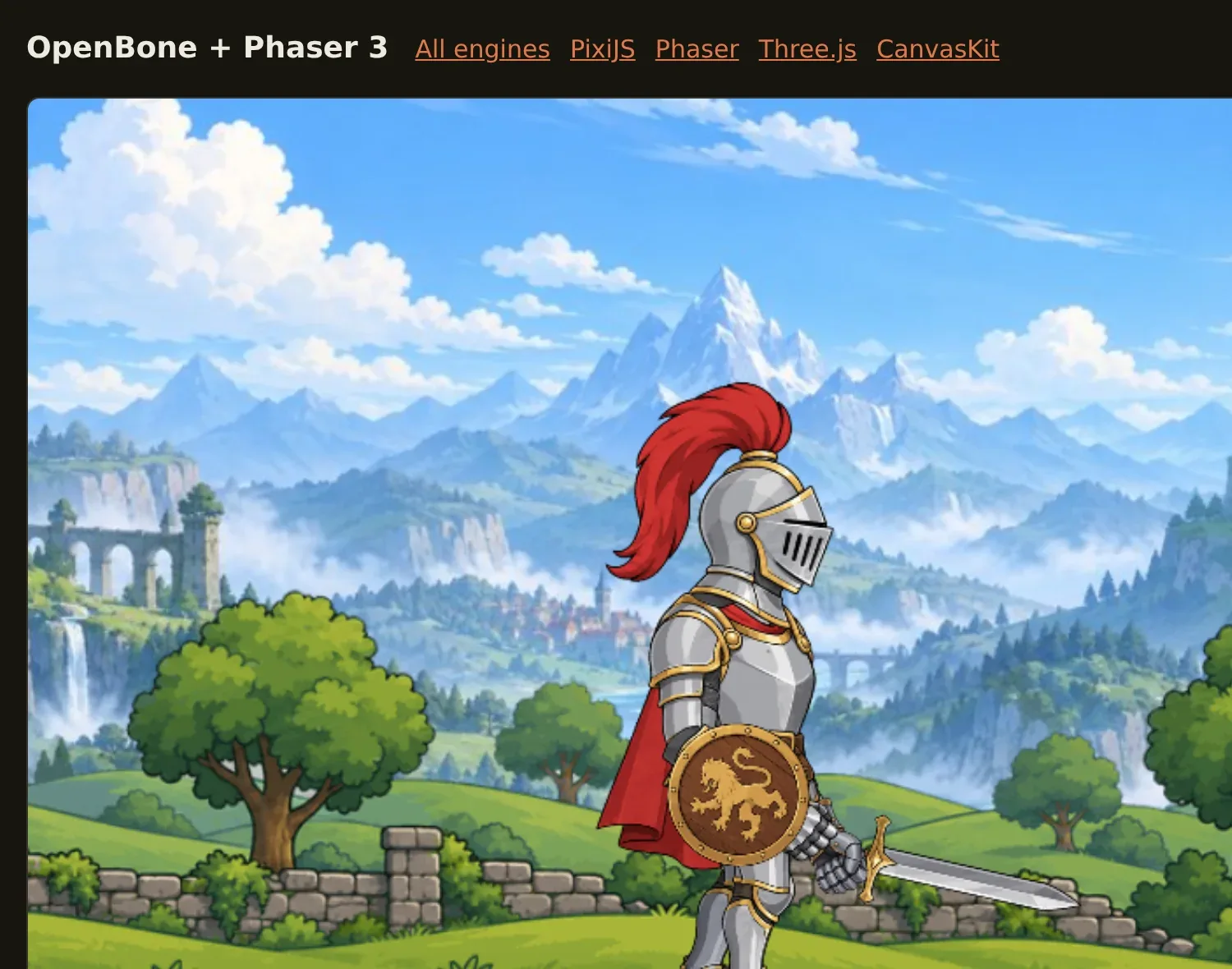
Phaser 3 with WebGL or the canvas renderer. Full API and setup: @openbone/phaser.
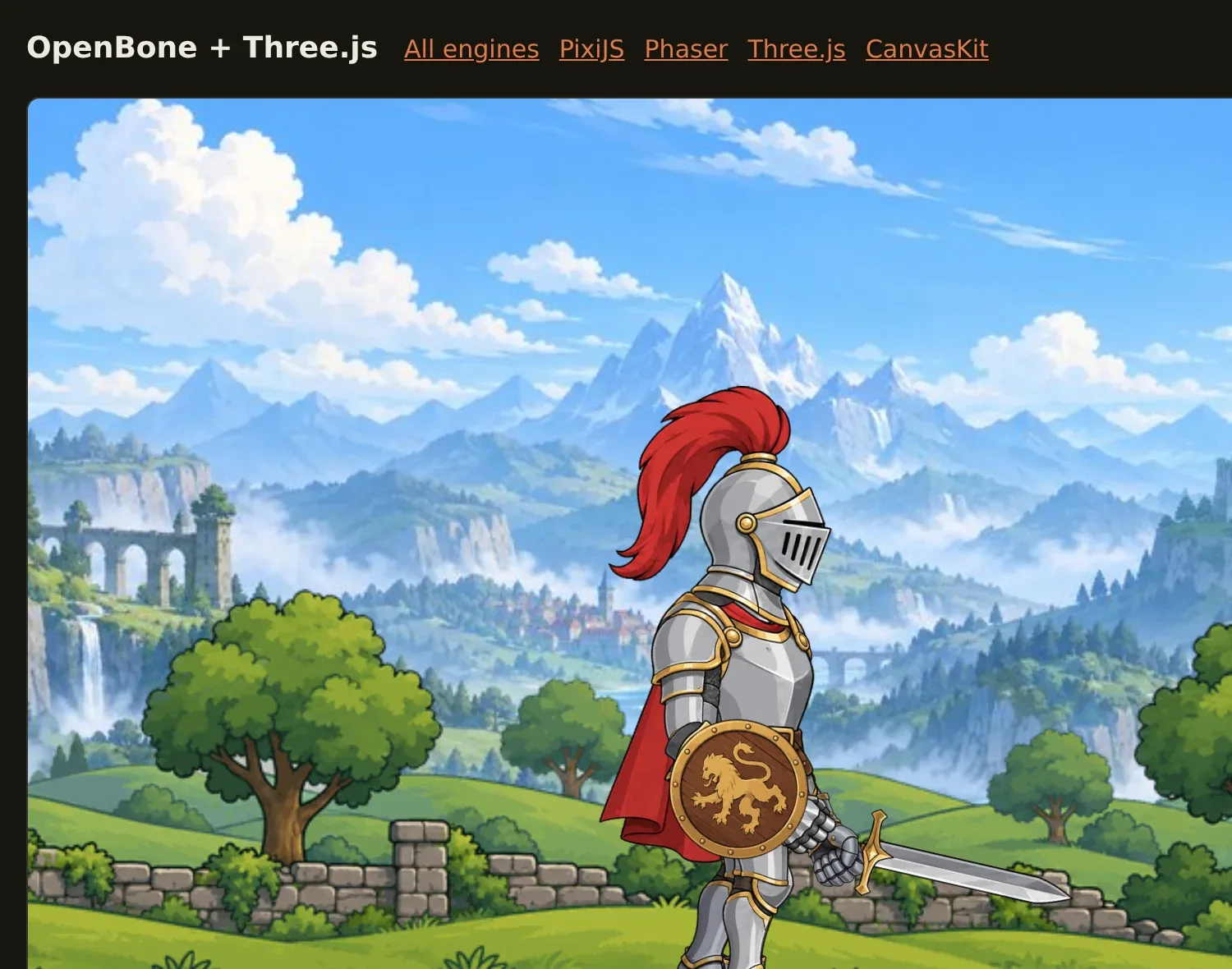
An Object3D you can place in any scene, r160 or newer. Full API: @openbone/three.
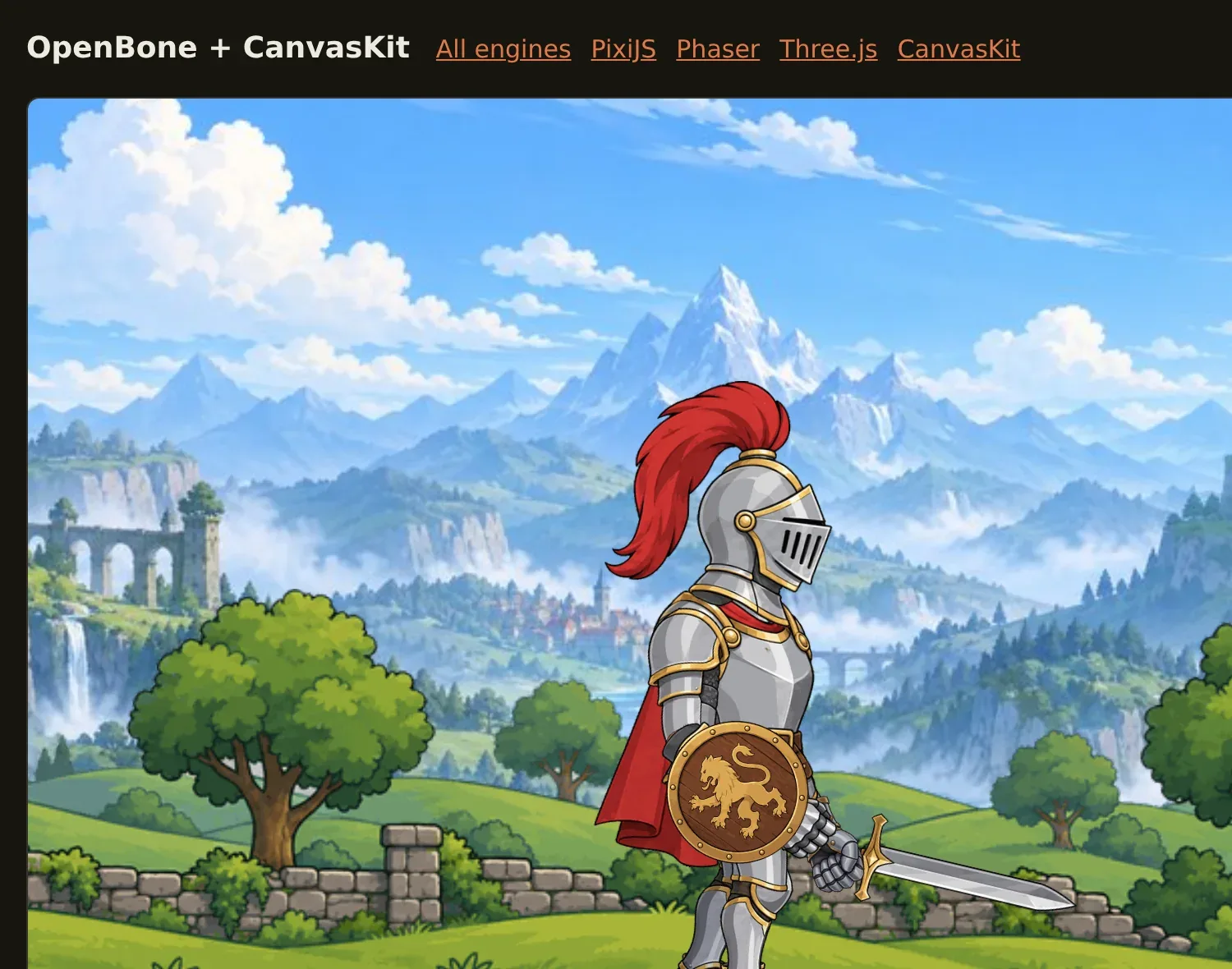
Skia’s CanvasKit, in the browser or in Node. Full API: @openbone/canvaskit.
Just the runtime
Section titled “Just the runtime”@openbone/runtime is the reference runtime with no rendering: posing, constraints, mixing,
state machines, listeners, particles, text, audio commands and bounding-box queries. Use it with your own renderer, or
in Node for headless work. @openbone/render-canvas renders frames in Node (it is what the
CLI uses).
OpenBone is MIT licensed and made by UXCentury. The example art, voices and sounds are credited in the repository.